
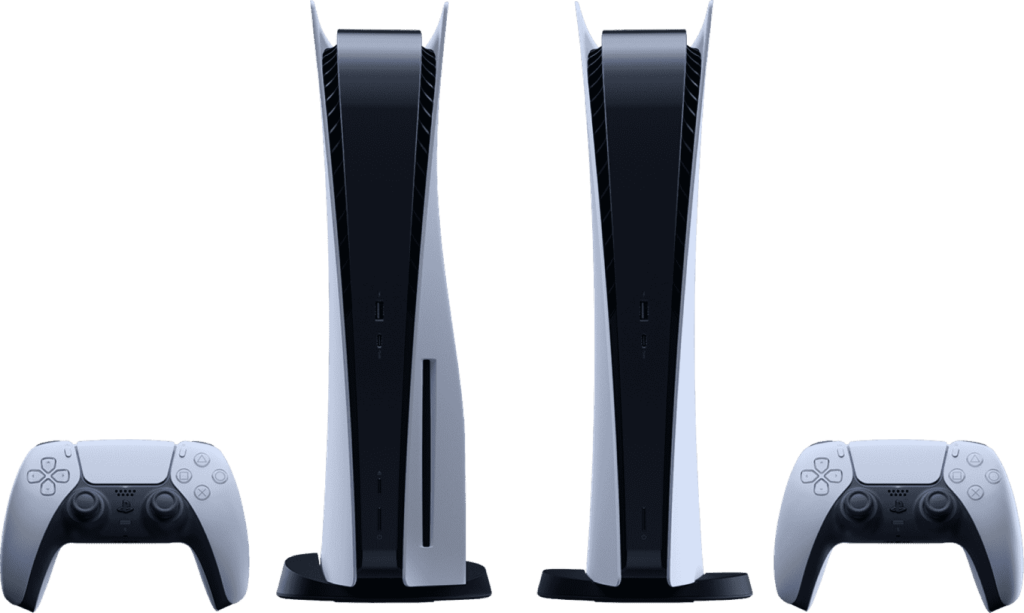
Every gamer dreams of owning a PlayStation, a series of gaming systems. Every time one of these consoles is introduced, it sets a new standard. The PS5 is the newest iteration of the PlayStation line. Every PS5 owner knows that there is a wide range of titles available to suit their gaming preferences. This does have one disadvantage: you may be unable to play some of your favourite games since they aren’t accessible in your location. As a result, you’ll be deprived of the excitement that might otherwise be available to you due to local restrictions.
But don’t fret, you can fix this problem simply by changing the region on your PS5 and modifying a few settings. Stay with us, and we’ll walk you through the process of changing your PS5’s region or nation.
Changing the region or nation on your PS5 is simple
This is how you can quickly change your PS5’s region or country of origin.
Use your PS5 to access the PlayStation Store. Select the 3 dots at the top screen on the right-hand side of the screen.
The “Storefront Country” option could be available to European customers here. If you don’t see the option here, then you’ll need to go to your profile and click on Log out to log out.
Using your controller, press the PS button as indicated on the screen. The user page for your PS5 will now display all of the different accounts you have on the system.
Click on “Add User” on the left side of the screen. Then, on the right side of your screen, click on Get Started.
Please accept the terms of the PS5 software licence agreement by checking the box next to I Agree. Click on the Confirm button to finish.
Make sure you select the Create an Account option to begin the process of creating a new account.
On the following screen, you have to enter your date of birth exactly as it appears and clicks Next.
Choosing a nation or area on the next page is important since you won’t be able to alter it after your account has been set up.
The Preferred language option allows you to specify your preferred language as well. If you select this option, your computer will automatically identify and set the language to your location.
To finish the procedure, you’ll need to enter your email address and create a password.
Input your first and last name on the next screen, then click Next.
You must now provide information about your current residences, such as your city, state, and zip code. If you’ve chosen a foreign nation, do some study before you submit the information.
The next step is to choose the Avatar from a wide range of available possibilities.
Using the ideas provided, choose a username for your online account.
Click Apply once you’ve made your desired changes to the Privacy Settings.
Personalization and Data Collection options can be customised to suit individual needs and preferences.
Please accept the Legal Documents and then re-verify your email.
From the PlayStation 5 home screen, log in to your new account.
You can create a new account if you complete the procedures correctly. Your new PlayStation Store account will be delivered to you based on the area you selected. Previously unavailable content may now be downloaded via the internet.