
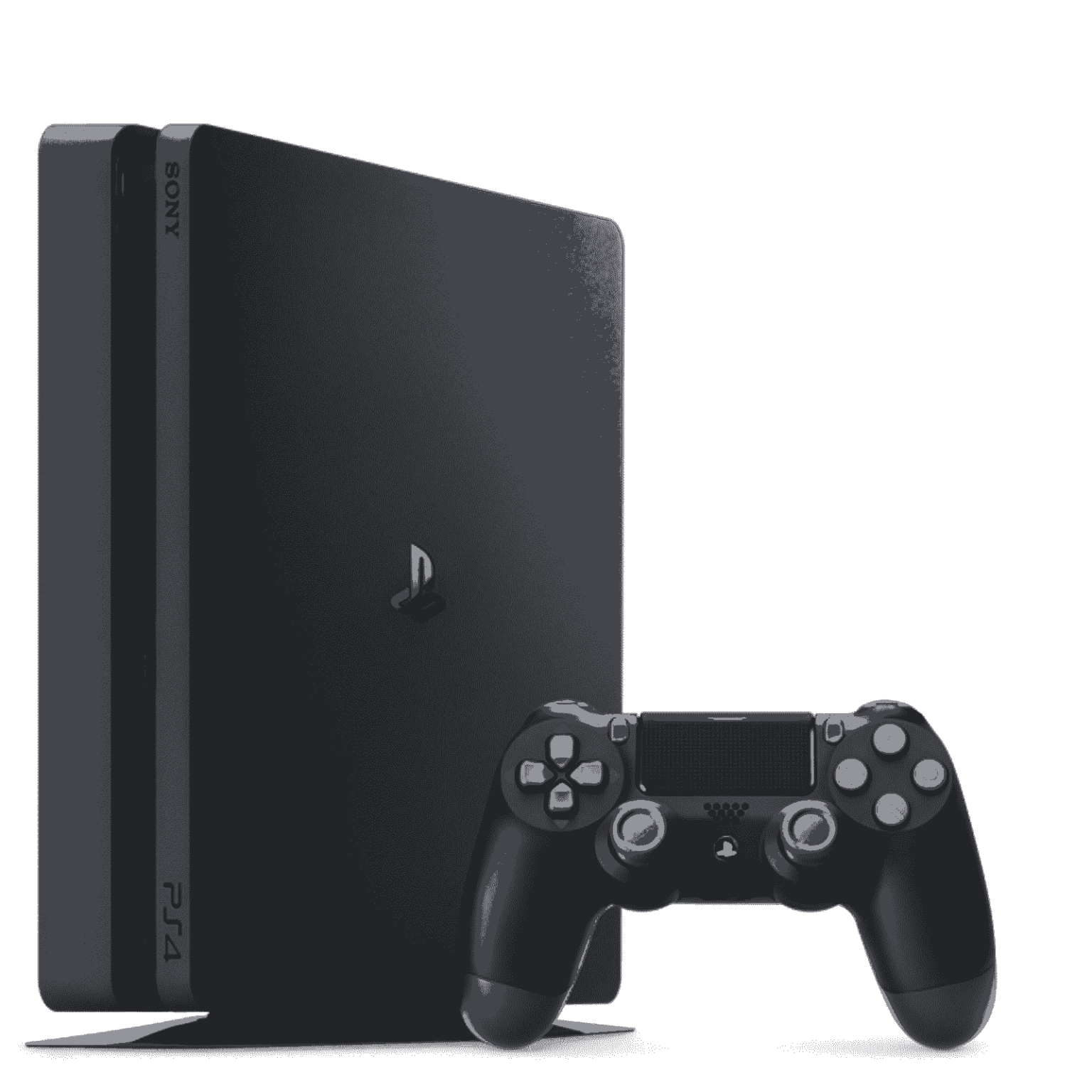
Despite its age, the PS4 remains a popular platform for gamers. Since it was a breakthrough device back in its day, the PS4 is still used by many players as their primary gaming system. The modern and powerful PS5 has taken its place. Because it’s an older model, the PS4 is less expensive than the PS5, which just came out.
That’s why so many people choose the PS4 over the more expensive PS5. “Old but gold” sums up PS4’s appeal. PS4 and other PS series console owners will already be aware that the controller is essential to using your PS system. When it comes to gaming and menu navigation, it’s more like a mouse and keyboard. Sony’s DualShock 4 controller is a top-tier console controller and serves as the primary controller for the PS4 platform. The controller connects to your PS4 through wireless technology and is rechargeable.
Make sure your controller is charged if you wish to play games without interruption. Players have claimed that their PS4 controller does not charge while in rest mode. Is this an issue you’re having as well? Don’t be concerned; we’ve got you covered. When your PS4 is in sleep mode, you may conveniently charge your controller by plugging it into the PS4.
How to charge the PS4 controller in rest mode without a problem
Let’s take a look at how your PS4 may charge your controller when it’s in standby mode. The 1st thing you should attempt is to reset your controller’s settings. There is a little pinhole on the back of your controller. A needle can be inserted and held there for roughly 3 or 4 seconds to reset the controller. It’s possible that your PlayStation isn’t accepting a USB cable or a USB port from the front. Now, connect one end of your USB cable to the USB port and the other end to your PlayStation 4 controller. Using a USB hub might be a contributing factor to your controller not charging or pulling enough power from your computer.
If you don’t make the necessary adjustments to the PS settings, your controller may not be able to be charged.
Visit the PlayStation 4’s home screen. In the upper right-hand corner of the screen, click on the Settings option.
The Power Save Settings may be found in the Settings window by scrolling down and clicking on it.
Set Features in Rest Mode should then be selected. Check to see if the option to supply power to USB ports is selected. Set it to on if it’s currently off. Make a second selection of “Supply Power to USB Ports.” On the right side of your screen, you’ll see three options. There are three options: Always, 3 Hours, and Off. You now have the freedom to select any solution that meets your needs. Select Always if you always want your controller to be charged when connected to your PS4. Other than that, if you just want it to charge for 3 hours, pick the 3 Hour option.
You may also use any of your phone chargers to charge your PS4 controller if you don’t want to have your PS4 running while you do so. You may now return to your game experience without any more interruptions.